How to make a comic series with Wapopo's AI agent
Five steps, and you can step in at any of them.
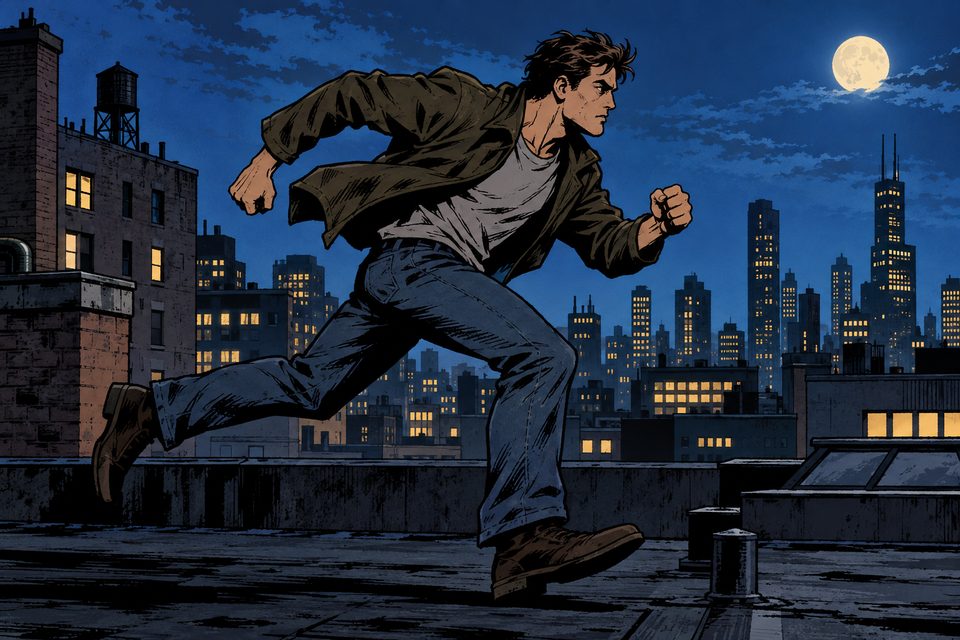
Pick a style
Choose one of the four official styles — black and white manga, anime, American comic or Korean manhwa — or upload a few images to copy your own style.



Tell the agent your story
One sentence or a whole chapter; the agent expands it into a season.
Tap one to try it.
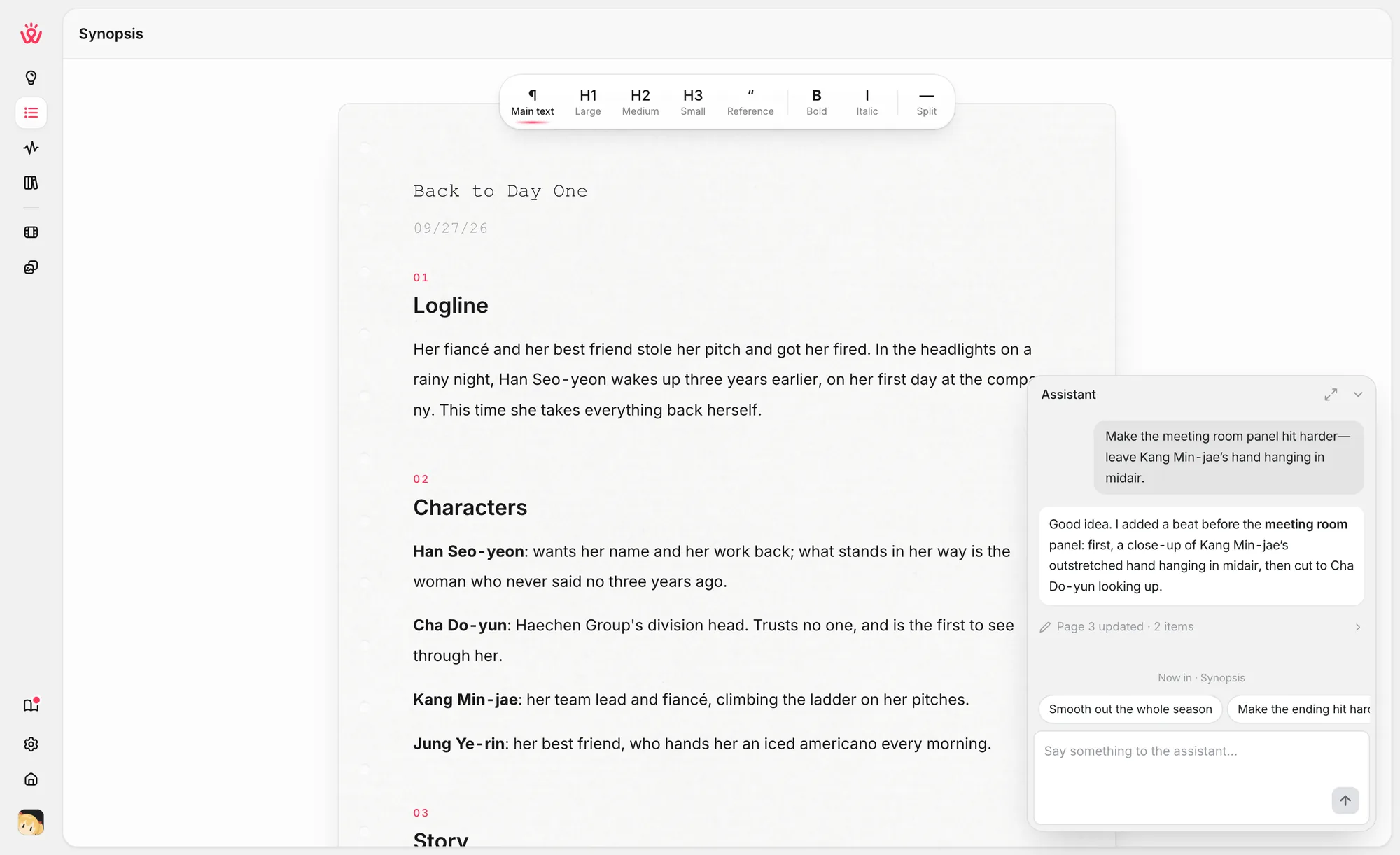
Check the season plan
The agent writes the season outline, the episode list, the characters and the pacing. Change anything, tell the assistant what to change, or just continue.
Storyboard
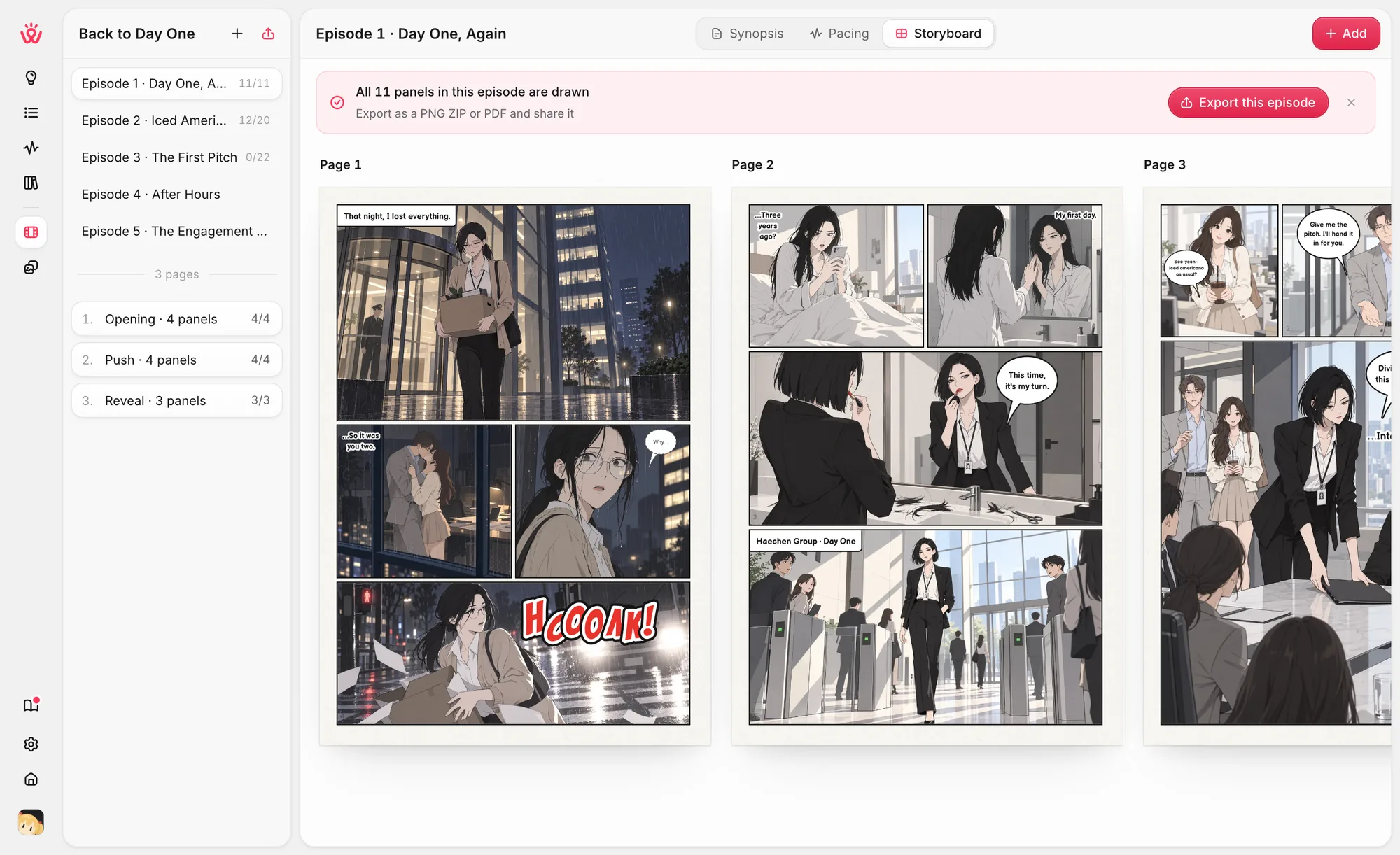
Each page gets a panel layout, a description of every panel and the dialogue. Then the panels are drawn, using each character's reference so they stay consistent.
Open any page in Storyboard and tap "Draw this episode" in the top right. It draws 1 panel first for you to check, then keeps going on its own — you can stop it at any time.
Edit and export
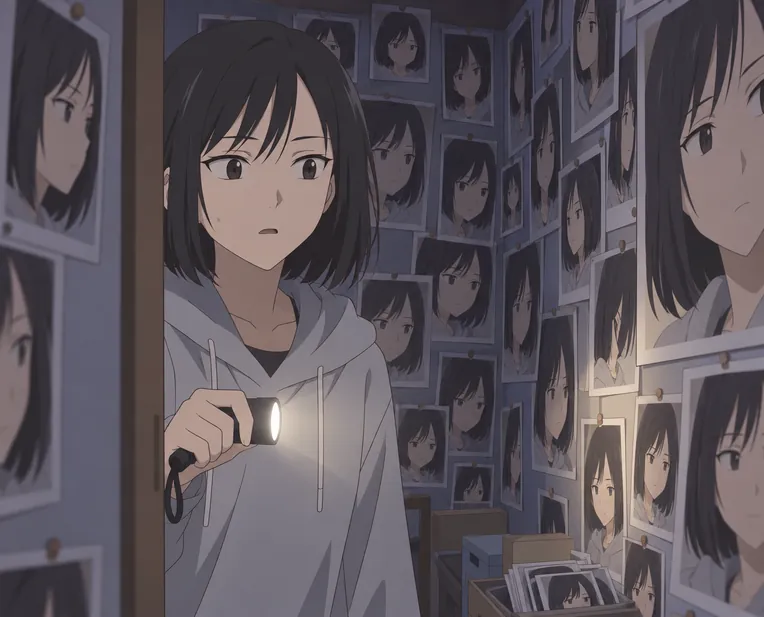
Fix a line of dialogue without redrawing, redraw a single panel, and export the episode as PNG, ZIP or PDF.

Before you start
Is Wapopo free?
You get free credits when you sign up — enough to finish your first episode. No credit card needed. After that you buy credit packs; credits never expire and there is no subscription.
Can I write my story in English?
Yes. Wapopo writes the outline, the characters and the dialogue in your language — pick it from the language menu before you start.
What do I get at the end?
A comic series you build episode by episode. Each episode has pages and panels; export it as PNG images, a ZIP of every page, or a single PDF.
Something else?support@wapopo.com